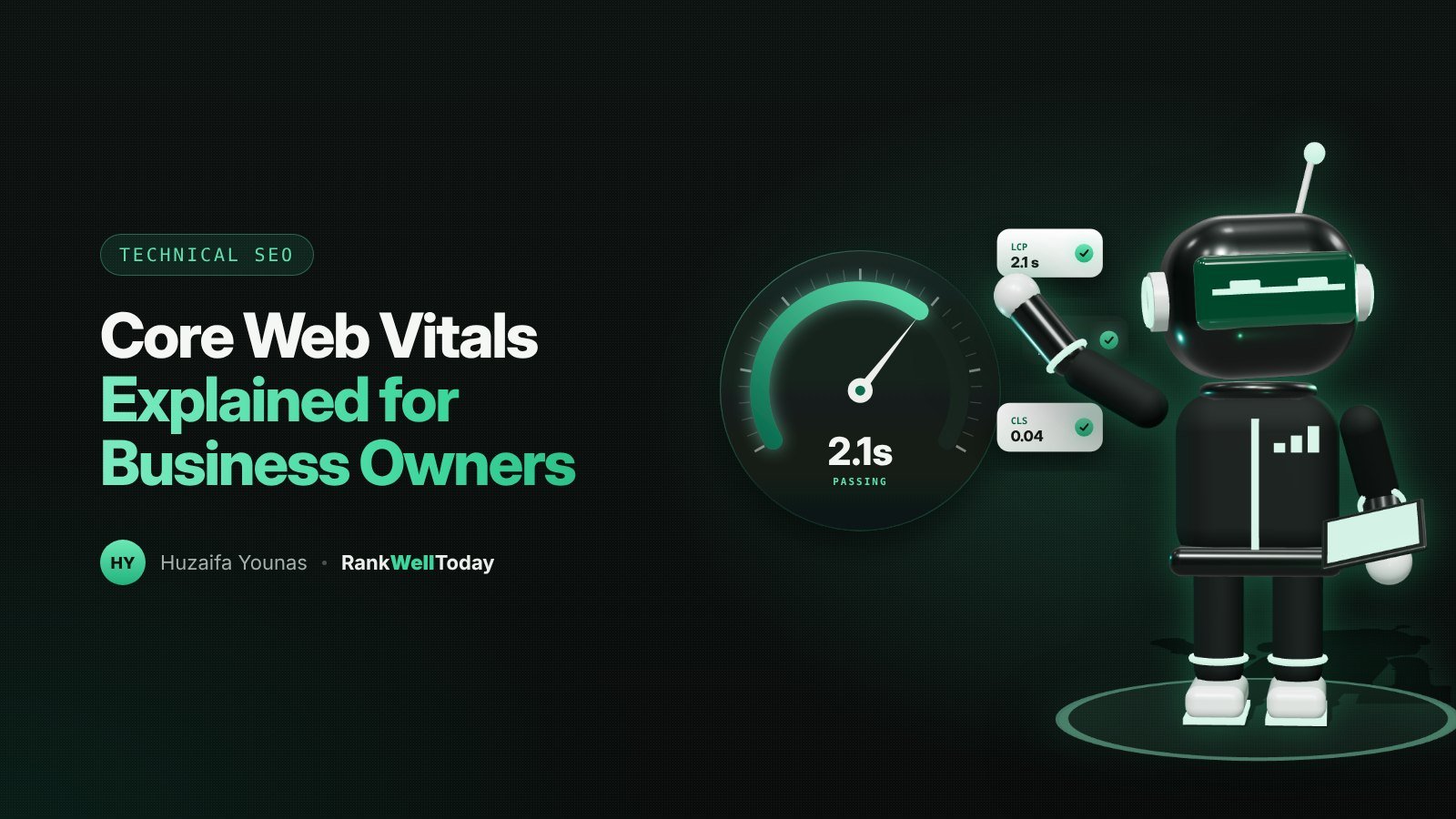
If you've ever run your website through a speed test, you've probably seen terms like LCP, INP and CLS, along with red and amber warnings. They're called Core Web Vitals, and they're Google's way of measuring how a page feels to the people using it.
This guide explains each one in plain English, the scores to aim for, and how to decide whether fixing them is worth your money.
What are Core Web Vitals?
Core Web Vitals are three measurements that Google uses as part of its "page experience" signals. Each one measures a different part of the experience:
- Loading: how quickly the main content appears.
- Responsiveness: how quickly the page reacts when someone taps or clicks.
- Visual stability: whether things jump around while the page loads.
Google measures these using data from real Chrome users visiting your site, which is why your scores in Search Console can differ from a single test on your own laptop.
The three metrics in plain English
Largest Contentful Paint (LCP): how fast it loads
LCP measures how long it takes for the biggest visible element, usually a hero image or main heading, to appear. Visitors judge speed by when they can see the content they came for.
Good: 2.5 seconds or less. Poor: more than 4 seconds.
Common causes of slow LCP are large, uncompressed images, slow hosting and too many scripts loading before the main content.
Interaction to Next Paint (INP): how fast it responds
INP measures the delay between a visitor's action, such as tapping a menu or an "Add to cart" button, and the page visibly responding. It replaced the older First Input Delay (FID) metric in March 2024.
Good: 200 milliseconds or less. Poor: more than 500 milliseconds.
Slow INP is usually caused by heavy JavaScript, often from third-party tools such as chat widgets, trackers and apps.
Cumulative Layout Shift (CLS): how stable it is
CLS measures how much the page layout shifts unexpectedly. You've seen it when you go to tap a link and an ad or image loads above it, pushing everything down.
Good: 0.1 or less. Poor: more than 0.25.
It's usually caused by images without set dimensions, late-loading banners and web fonts that swap in after the page renders.
Do Core Web Vitals affect rankings?
Yes, but less than many people think. Google has said page experience is one of many signals, and that a page with better content will usually outrank a faster page with weaker content. Passing Core Web Vitals won't push a mediocre page to the top.
The bigger impact is often on your visitors. Slow, jumpy pages lose people before they've read a word, and that hurts enquiries and sales whether or not rankings change.
How to check your scores
- Google Search Console → Core Web Vitals report. Shows how groups of your pages perform for real users on mobile and desktop. Start here.
- PageSpeed Insights. Enter any URL to see real-user data (if Google has enough) plus a lab test with specific suggestions.
- Your own phone. Load your key pages on mobile data. If it feels slow to you, it feels slow to customers.
Focus on templates rather than individual pages. Fixing your product page template, for example, improves every product at once.
When is fixing them worth it?
Prioritise Core Web Vitals work when:
- Search Console shows a large share of your URLs as "Poor".
- Most of your visitors use mobile, especially on slower connections.
- Your key pages, such as product, booking or contact pages, are slow or jumpy.
- You're about to redesign or migrate your site anyway, which is the cheapest time to build it right.
If your scores are already "Good" or close to it, chasing a perfect 100 in a lab test rarely pays off. That budget is usually better spent on content and links.
Common fixes that make the biggest difference
- Compress and resize images, and use modern formats such as WebP.
- Set width and height on images and video so the browser reserves space for them.
- Remove plugins, apps and tracking scripts you don't use.
- Delay non-essential scripts, such as chat widgets, until after the page loads.
- Use good hosting and a CDN, and turn on caching.
- Avoid large sliders and autoplay videos at the top of key pages.
Running a Shopify store? Apps are often the biggest culprit. See our Shopify SEO guide for store-specific advice.